Is Divi Theme as easy to use as some claim? I took a look for myself and my reaction surprised me. If you want a blunt review, here it is.
When I set out to begin this review process for the Divi Theme Builder, I can’t say I expected it to turn out the way that it did.
Divi Price Comparison & Installation
This flexibility is a good thing. While I make no secret of my love for Thrive Architect, this is currently a major weak spot for Thrive Themes. Architect has no Theme Builder. It’s coming. But, as of this writing, it does not exist. Elementor does have the ability to build the theme.
The pricing for Divi is quite competitive. They have an $89/year membership and then a lifetime plan for $249/year. Both options include ongoing support and updates.
Thrive Architect is part of the Thrive Suite. At $228/year, I think the Thrive Suite is one of the best deals out there. But, this isn’t an easy comparison to Divi because the two solutions have very different intentions. As you will see as we move on here.
In order for me to make any judgements on how these things compare, I have to dive into the tool itself.
Using it on a test site, I elected to use the full Divi Theme.
One interesting thing is the sheer file size of Divi. When I downloaded the theme, it was a 9.7MB file. I must say, I was pretty surprised just how large it is. Is this thing going to be a beefy, heavy system to use?
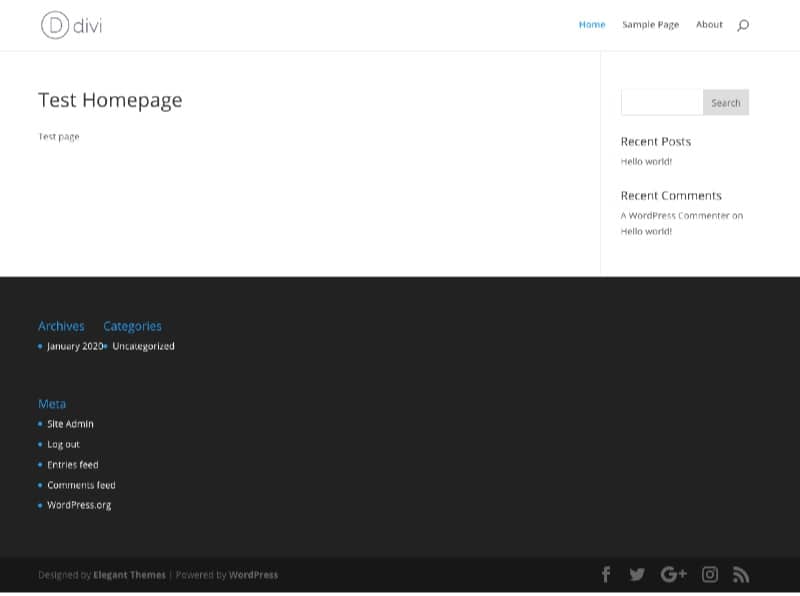
I upload the Divi file directly inside of WordPress as a theme and I activate it. Now my test WordPress install has a very default look and feel:
So, Divi is installed. It’s turned on. Now what? This is that point where a lot of people would have “blank slate syndrome” – not knowing exactly what to do next.
So, let’s see if we can figure it out…
How Divi Builder Works (Oh, Man)
Coming from an experience using Thrive Architect or standard themes, Divi immediately comes off as confusing. Even Elementor was easier for me to understand initially because it resembles Architect.
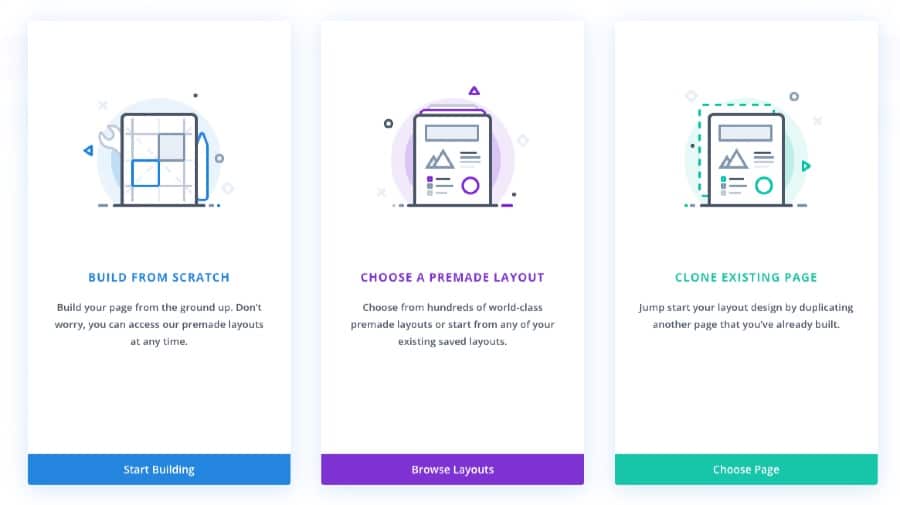
Divi is a whole different animal. For instance, when I go to create a page with it and choose to edit the page with Divi, I get 3 options:
First, I thought I would try the “Build From Scratch” option. With Architect and Elementor, that was pretty intuitive. But, with Divi, I see this:
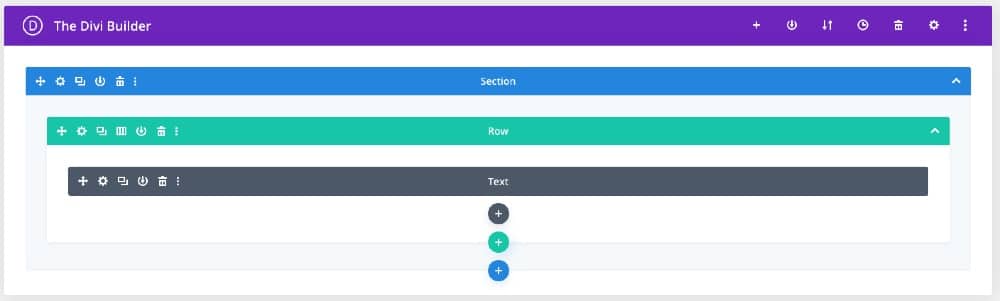
Bluntly… what the hell is that? This is pretty much the opposite of “what you see is what you get”. It seems as if this is a global way to assemble the layout of your page. Honestly, though, I don’t get the point of it. It feels like you’re flying blind. It’d be like driving a car blindfolded putting a layout together like this. Am I missing something?
I see a tab to allow me to “Build On The Front End”. This seems like it might be more along the lines of what I’m used to, so I tap it.
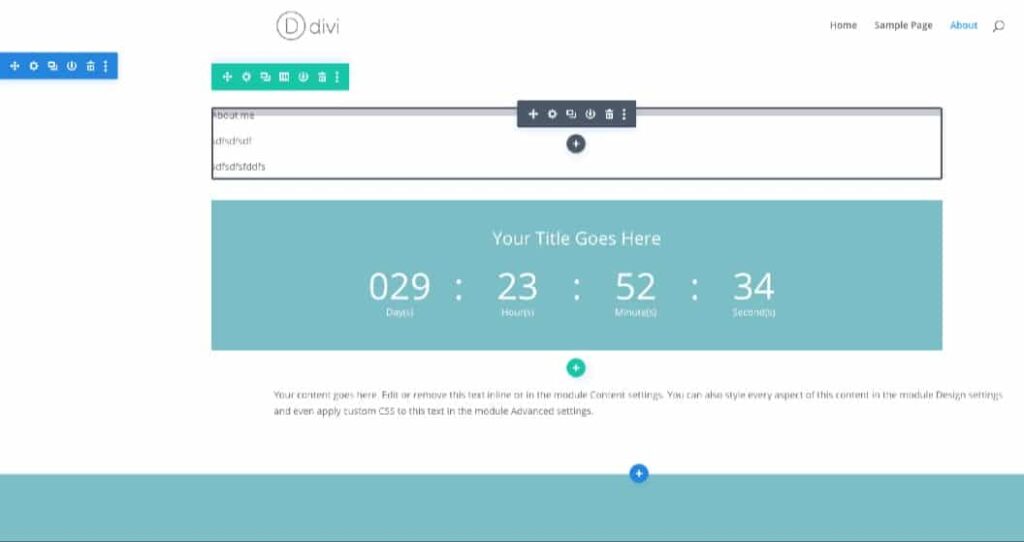
It opens up the page, but now I can edit it more or less how it will end up looking to the public. I can see that the layout that I could see inside of WordPress (pictured above) is a global framework for what I see on the front-end.